Each voice call supports one call recording. If a participant is added to the call, each of the component voice calls can be updated to list the recording URL and duration details.
recordingLocation: A complete call recording URL. This URL belongs to your domain, and can be accessed only if the rep is logged into the telephony system through SSO or a login page. Otherwise, the rep sees a message indicating that they don’t have access or need to log into the phone system. This URL can be a public URL or a URL only accessible through a rep SSO or login page.
totalHoldDuration: The total number of seconds the call was on hold. If an audio recording doesn’t include hold time, this value is zero.
agentInteractionDuration: The total number of seconds the call wasn’t on hold.
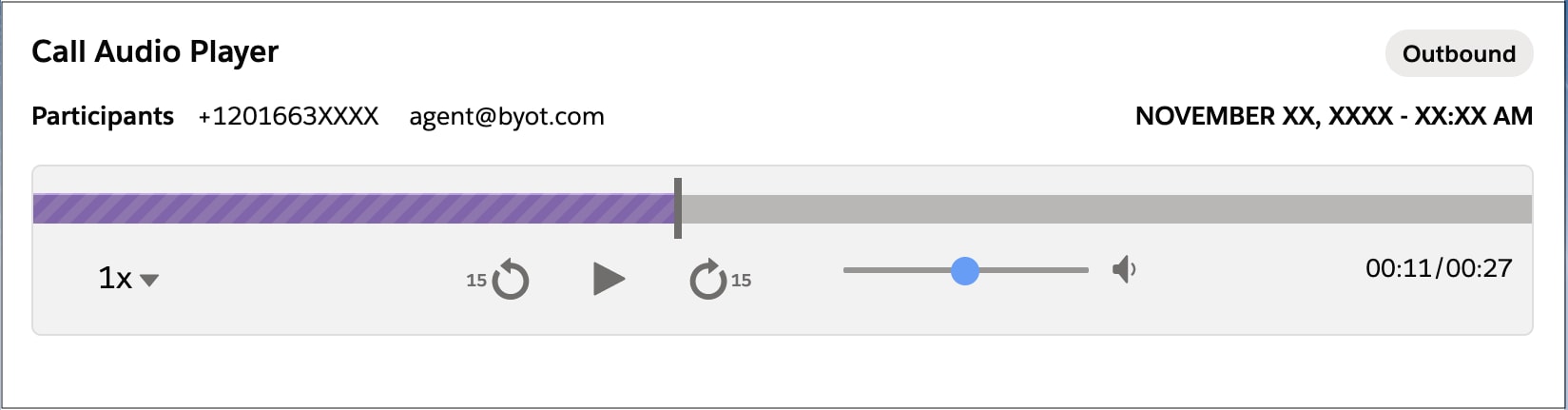
The call recording duration shown in the Call Audio Player is the sum of the agentInteractionDurationand and totalHoldDuration values. If this sum doesn’t equal the recording’s actual duration, the recording might appear to end before or after the boundaries of the slider.
Note
The callDurationInSeconds field on voice calls is determined by calculating the difference between the startTime and endTime fields, and is unrelated to call recording duration.
The date in the top-right corner of the media player is the call’s start time, and it matches the start time shown in the Voice Call details. If the date doesn’t display properly on an inbound call, verify that:
The start time is sent correctly when calling the Create Voice Call API
The start time in the Voice Call details is correct
Note
Trusted URL: To allow recordings to be loaded, add your domain as a Trusted URL in Salesforce Setup. To learn more, see Manage Trusted URLs.
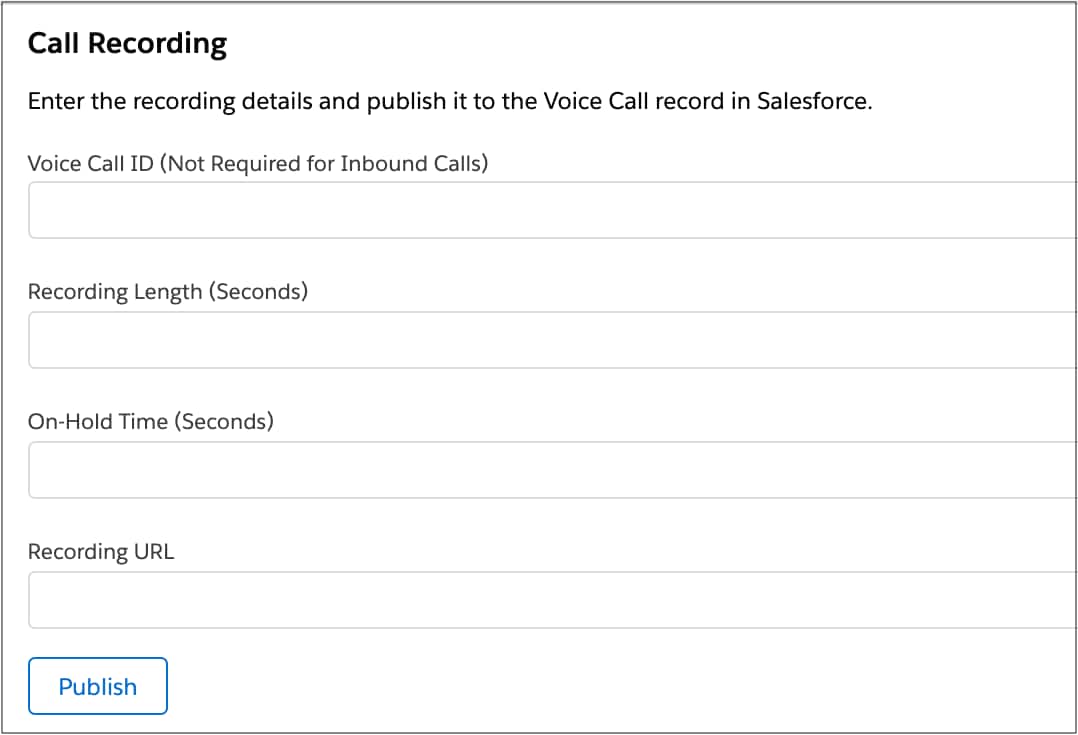
Example and testing: See Use the Demo Connector for a demonstration of calling Update Voice Call API with a recording URL and duration details. The recording link is capped at 1,000 characters and must not exceed this length. The Call Recording section in the Voice Call Simulator enables you to experiment with the recording feature.
getSignedRecordingUrl
In order to provide recording URLs based on the vendorCallKey, Salesforce Voice Call ID, or recordingUrl inserted via Update Voice Call API, vendors can implement Service Cloud Connector API getSignedRecordingUrl in their connectors. This API accepts vendorCallKey, callId, recordingUrl as parameters and returns a SignedRecordingUrlResult object.
The vendor specifies hasSignedRecordingUrl as true. When the recording component loads, Salesforce issues a request to the Service Cloud Connector API getSignedRecordingUrl to get the recording URL for the Voice Call. Using this method, the vendor can provide updated recording URLs when requested by the Voice Call Recording component.
1// Create a signed recording url capability2function getCapabilities() {3 return new CapabilitiesResult({4 hasSignedRecordingUrl: true5 });6}78function getSignedRecordingUrl(recordingUrl, vendorCallKey, callId) {9 // Implementation goes in here10}
Pause and Resume Recording
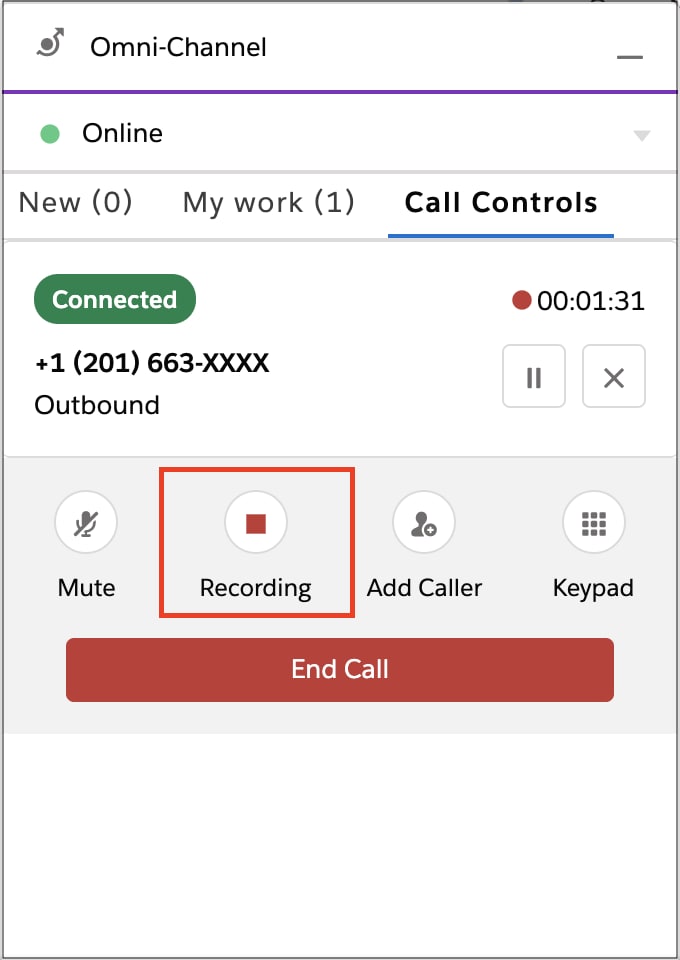
Reps can pause and resume recording while on a call. This feature can be used when call participants want to share confidential details and don’t want them to be recorded.
Implement these Service Cloud Connector APIs to allow users to pause and resume recording:
pauseRecording(call)
resumeRecording(call)
Universal Call Recording Playback
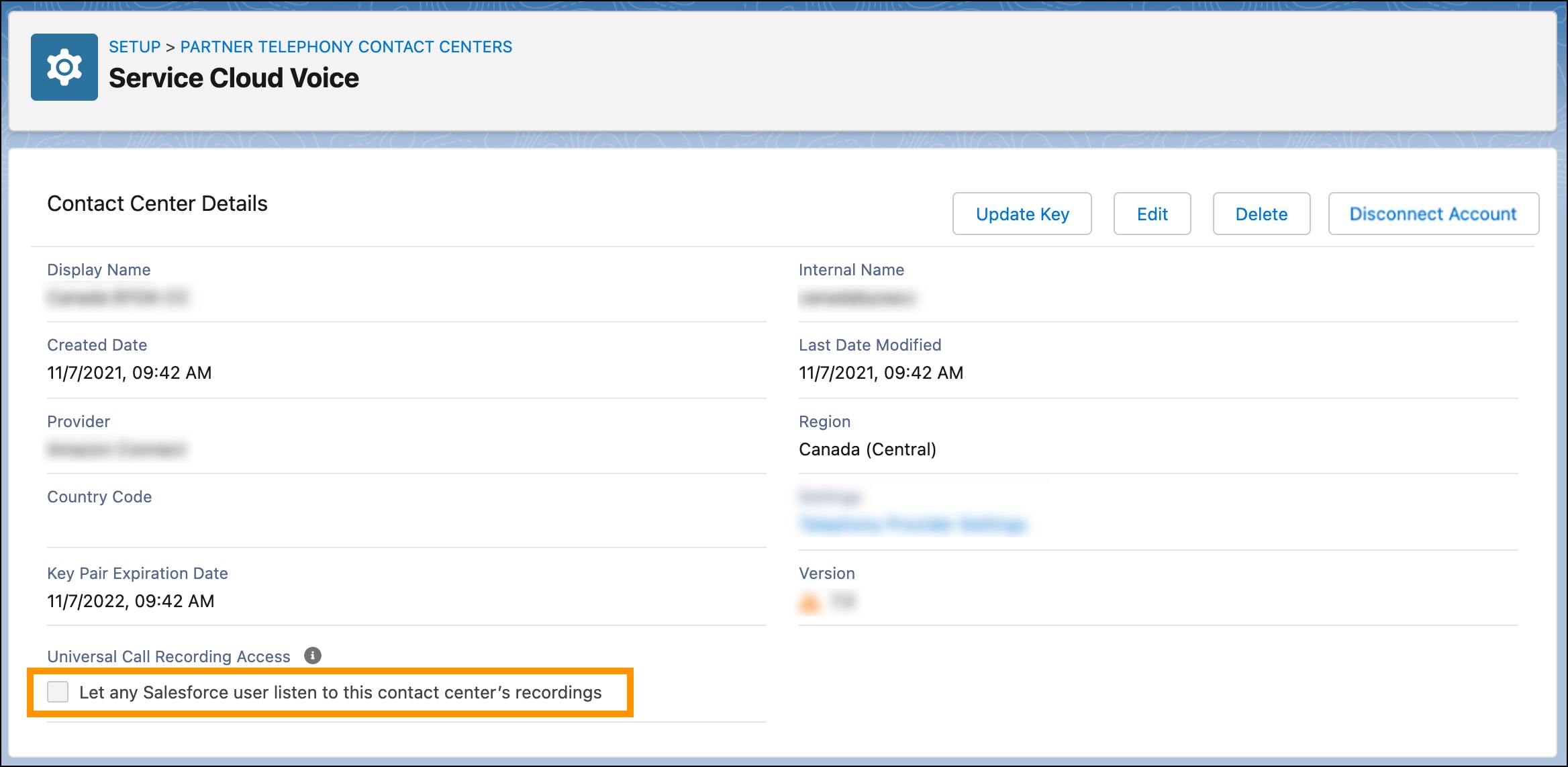
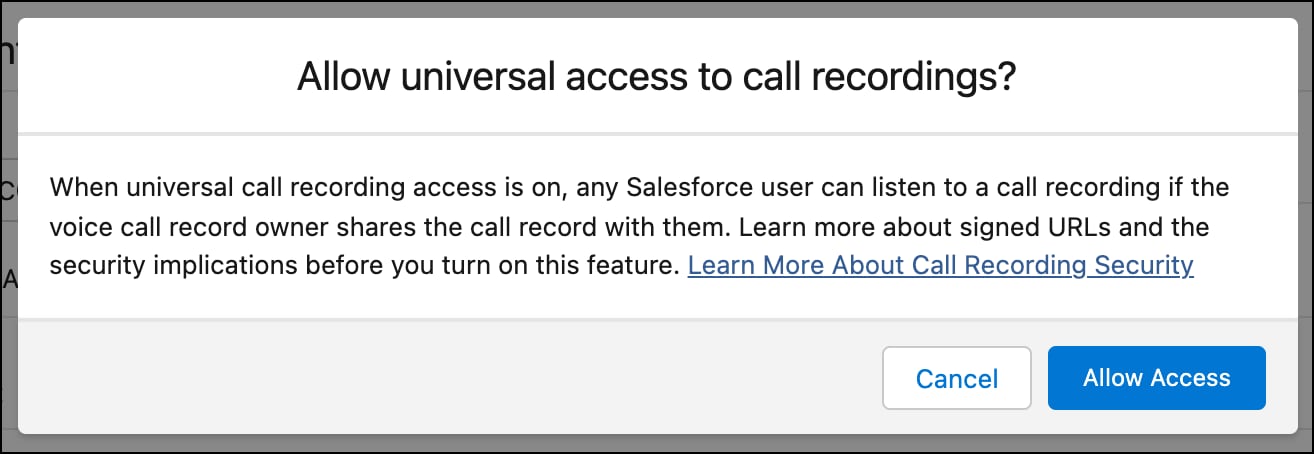
Contact centers can be configured so that you can share voice calls (and the associated voice call recordings) with other users in your contact center. This feature can be enabled with the Universal Call Recording Access checkbox on the contact center record details page.
This feature applies to:
Salesforce Voice with Amazon Connect
Salesforce Voice with Partner Telephony
Salesforce Voice with Partner Telephony from Amazon Connect
To view this configuration setting, the following requirements must be met:
Partners must set the supportsUniversalCallRecordingAccess capability to true in their ConversationVendorInfo object.
The contact center must be connected to the partner telephony system.
The Apex integration class must implement the RecordingMediaProvider interface. This interface includes the getSignedUrls method, which is called to fetch the signed recording URL from the partner telephony system for loading the voice call recording playback.
After these requirements are met, check Let any Salesforce user listen to this contact center’s recordings.
When a warning dialog appears, click Allow.
Users who aren’t part of the contact center can hear unredacted recordings. See this known issue.


 j
j