


Customize Embedded Chat
Take full control of the Embedded Chat experience from the static help button to post-chat stages. Use customizable parameters in the code snippet. Expand functionality by passing nonstandard pre-chat details. Set direct-to-button routing and allow pre-chat fields to fill automatically. Implement your own HTML and CSS code and more.
The legacy chat product is in maintenance-only mode, and we won’t continue to build new features. You can continue to use it, but we no longer recommend that you implement new chat channels. Instead, you can modernize your customer communication with Messaging for In-App and Web. Messaging offers many of the chat features that you love plus asynchronous conversations that can be picked back up at any time.
Important
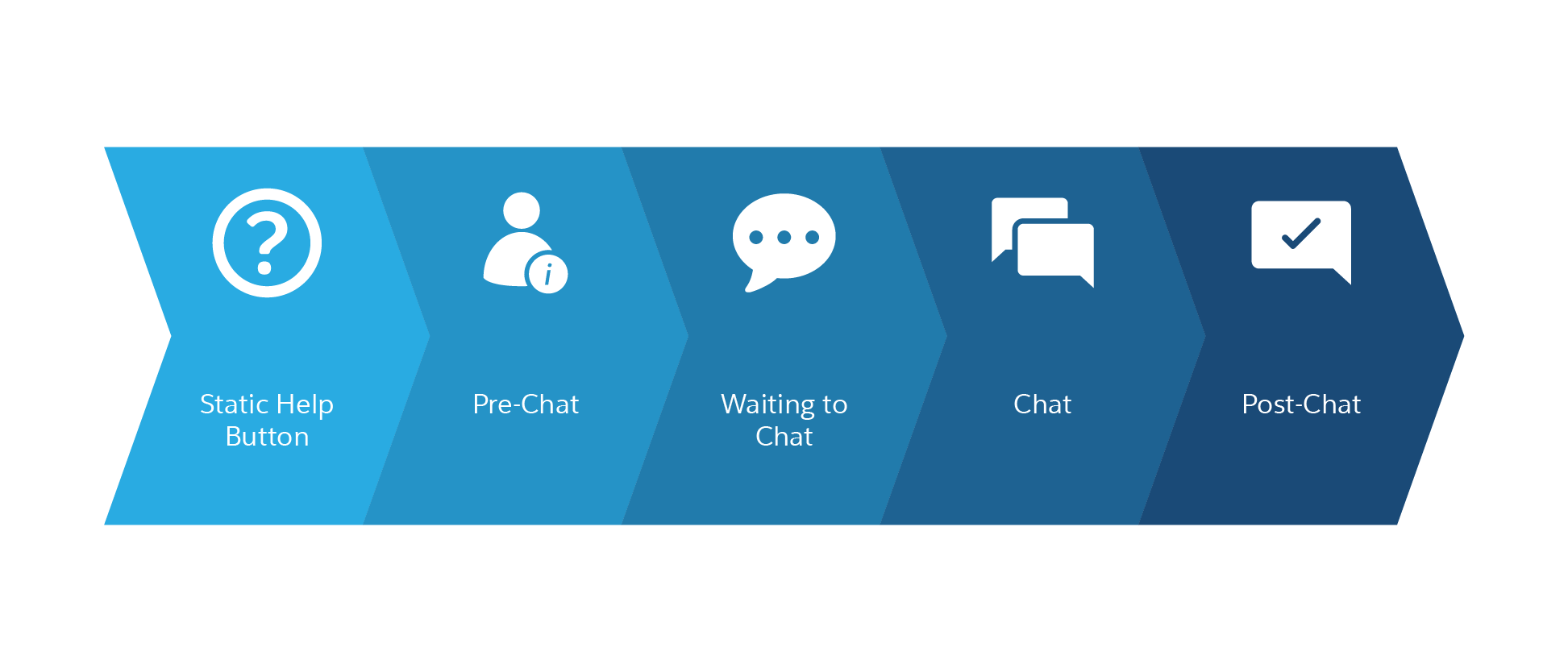
Here are the five stages of Embedded Chat to consider when using these developer guidelines.
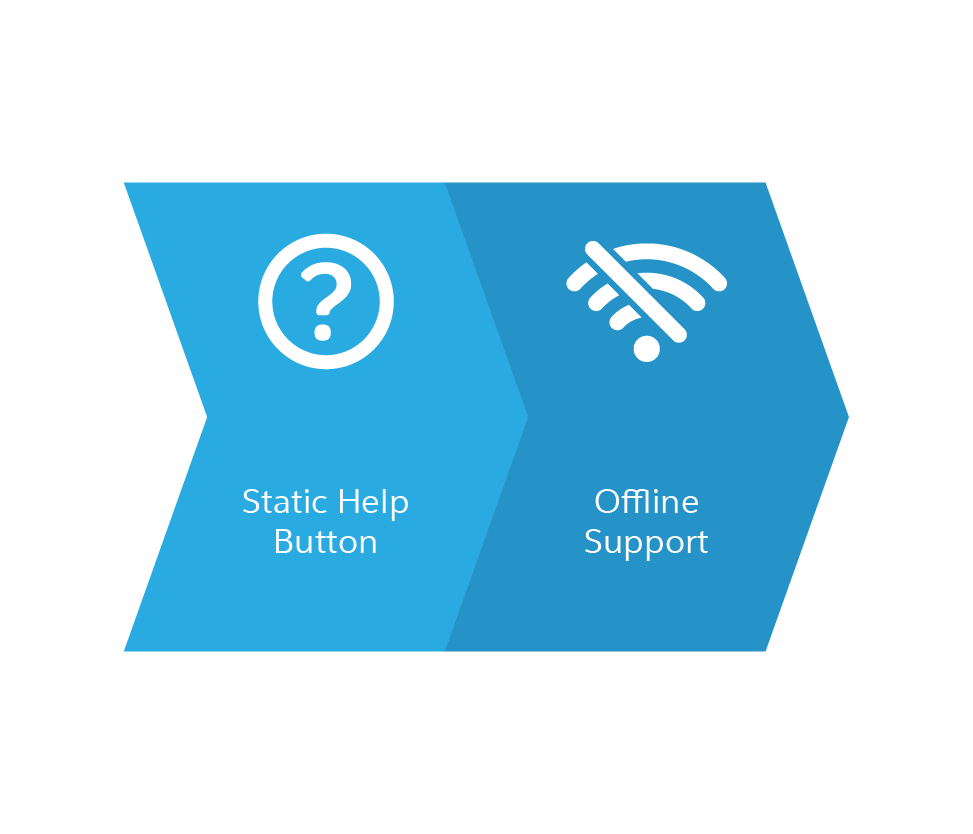
An additional stage to consider if you’ve activated offline support.
-
Before starting a conversation with your customer at the pre-chat stage, consider adding customized invitations that appear on your website. Improve the pre-chat page or create a snippet settings file for greater flexibility and to provide more information to agents.
-
Your customer is chatting with an agent at the chat stage. Consider adding chat event notifications and custom chat events to improve the agent view of their needs.
-
Embedded Chat can be customized across several chat stages, for example, the Start, End and Clear or the Bootstrap APIs.
 j
j