The Apex Language Server, included as part of the Salesforce Apex Extension for VS Code, depends on the Java Platform, Standard Edition Development Kit (JDK). It supports all versions of Java greater than 11, but we recommend using JDK version 21 for optimal performance. By default, the extension attempts to locate your local Java installation by looking for a JAVA_HOME or JDK_HOME environment variable on your computer. If the extension can’t find your Java installation, or if you want it to use a different installation, change the salesforcedx-vscode-apex.java.home setting.
Download and Install JDK
You can download the JDK from one of these locations.
Adoptium
Adoptium provides prebuilt OpenJDK binaries for free without authentication or complications.
If you see an error message that your Java version is not supported, open the Output tab on the bottom panel of VS Code. Filter by ‘Apex’. Also review the ‘Problems’ tab to see that the Apex Language Server has been able to start.
For Windows, ensure you are escaping the path to your JDK location appropriately.
If your Java version is located at the following path:
1`C:\Program Files\Java\jdk-21`
Your Java Home path should like this:
1`C:\\Program Files\\Java\\jdk-21`
Advanced Setup
By default, a JVM allocates up to one fourth of the system’s physical memory to the Apex Language Server process. If you are working on projects with more memory requirements, use the salesforcedx-vscode-apex.java.memory setting to override the defaults. Use this setting to specify the maximum size of memory allocation in megabytes and in multiples of 1024.


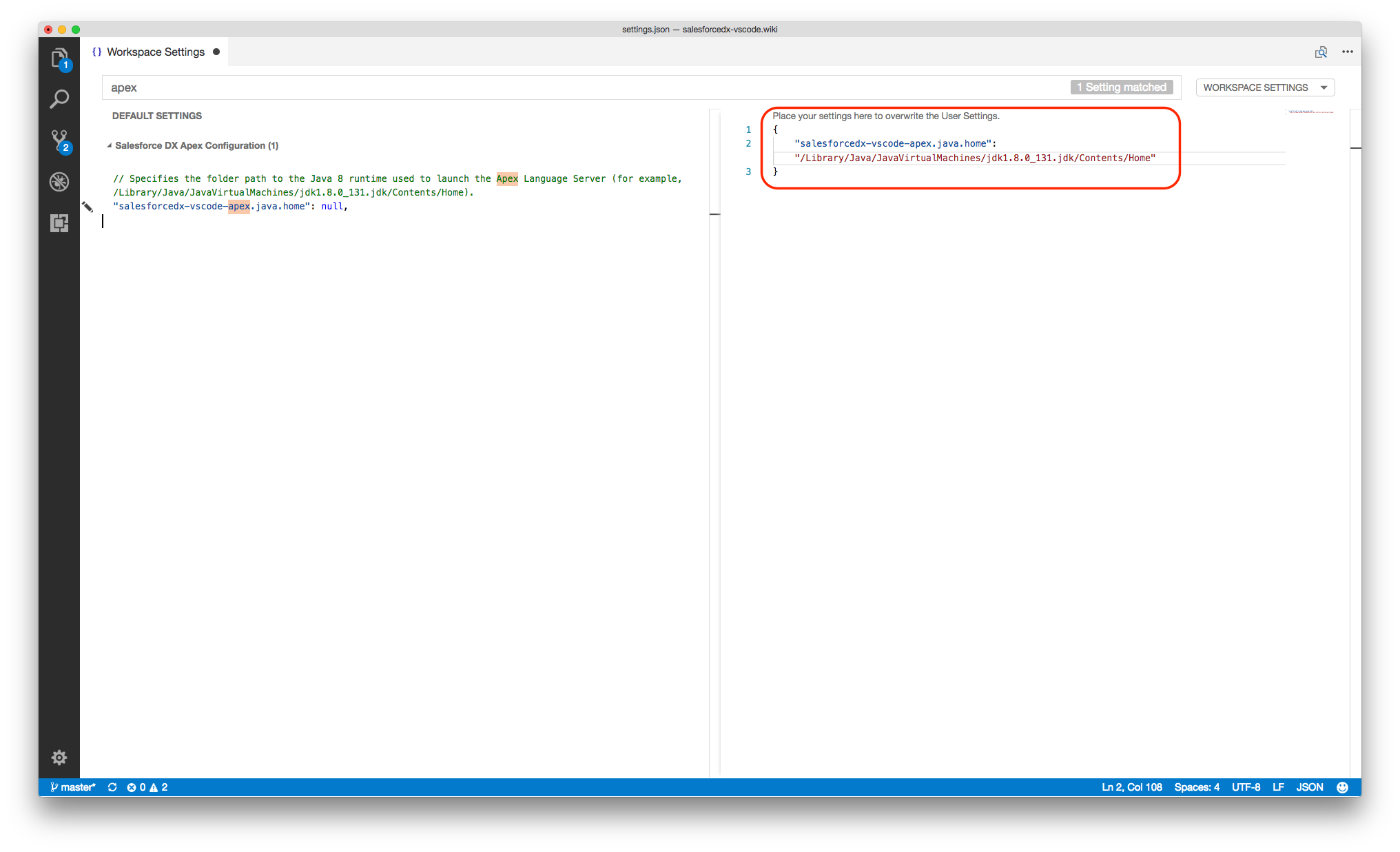
 j
j