


Customize UI Style Tokens
The ACC UI is rendered inside an iframe. Custom CSS outside the iframe cannot style the ACC UI interior. To customize the interface, map standard styling rules by using the styleTokens object within your agentforceClientConfig. Style tokens are passed as strings. CSS color values, pixel values, and other CSS properties are all string values.
1import { embedAgentforceClient } from "@salesforce/agentforce-conversation-client";
2
3const initializeClient = async () => {
4  const { loApp } = await embedAgentforceClient({
5    container: "#agentforce-container",
6    frontdoorUrl: "<YOUR_FRONT_DOOR_URL>",
7    agentforceClientConfig: {
8      // IMPORTANT: agentId is required in all configurations
9      agentId: "ADD EMPLOYEE AGENT ID HERE",
10      renderingConfig: {
11        styleTokens: {
12          headerBlockBackground: "#0176d3",
13          headerBlockTextColor: "#ffffff",
14        },
15      },
16    },
17  });
18};
19initializeClient();
Supported Style Tokens
Supported style tokens are updated frequently. To ensure you use the most current token names and values for headers, message bodies, and input areas, refer directly to the salesforce/agentforce-conversation-client NPM Repository. Do not use hardcoded styling specifications in production without verifying them against the latest package release.
Customize Images
The ACC Web SDK supports custom images for visual elements, providing additional branding flexibility for your conversational interface. This enhancement provides greater branding flexibility when you integrate Agentforce Employee Agent (AEA) conversational experiences into external web applications.
The ACC Web SDK supports customization of the following visual elements:
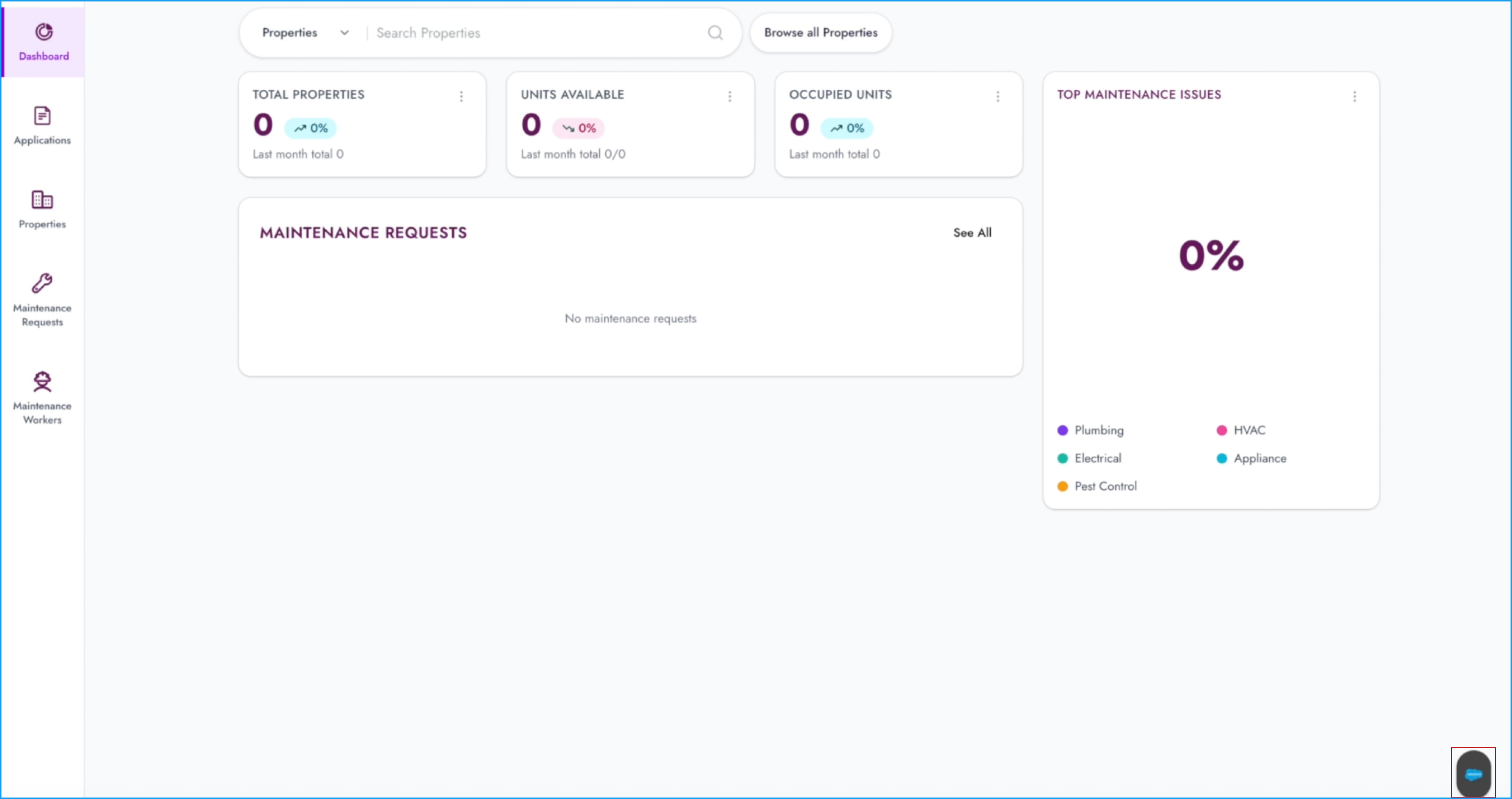
Floating button icon
Customize the icon for the Floating Action Button (FAB), which serves as the primary entry point for the Agentforce Conversation Client. This button appears in the bottom-right corner of the viewport when using floating mode.
Header image
Customize the image displayed in the ACC UI header at the top of the conversation panel. This prominent branding area provides visual context for users throughout their interaction with the Agentforce Employee Agent.
Agent avatar
Customize the agent profile image that appears alongside agent messages in the conversation thread.
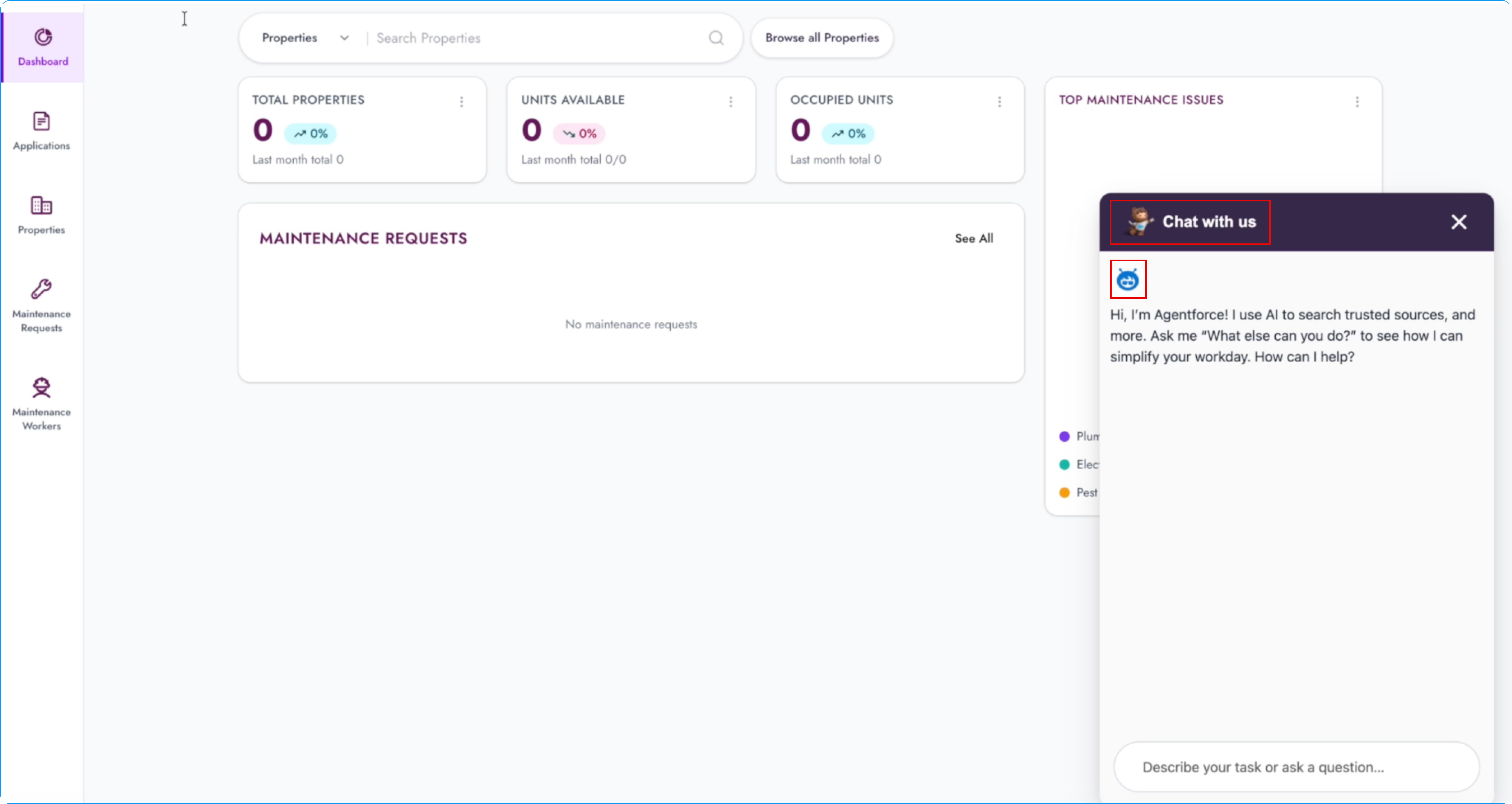
The SDK uses your custom images in place of the default images for those visual elements.
Custom images must be available from Salesforce and publicly accessible so the ACC Web SDK can access them at runtime. For example, you can upload images to Salesforce CMS and make them publicly accessible.
Important
Configuration properties are updated frequently. For the complete and most current property reference, see salesforce/agentforce-conversation-client NPM repository.
See Also
Agentforce Conversation Client API
 j
j