Enhance Shopper Experience with Store Locator and In-Store Pickup
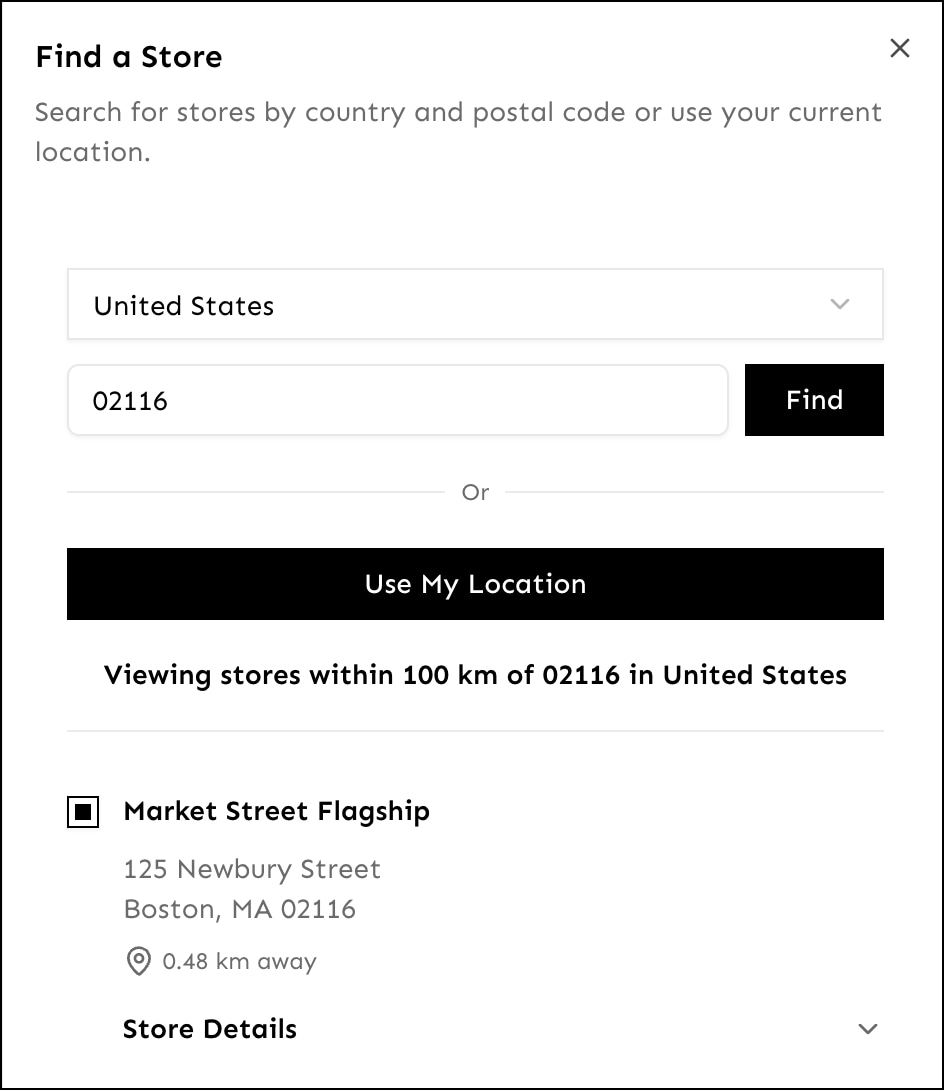
With store locator, shoppers find stores near a specific zip code or their current location. With in-store pickup, shoppers choose whether to pick up a product at the store or have it delivered to an address. These features provide flexibility and convenience, boosting in-store sales while meeting diverse shopper needs.
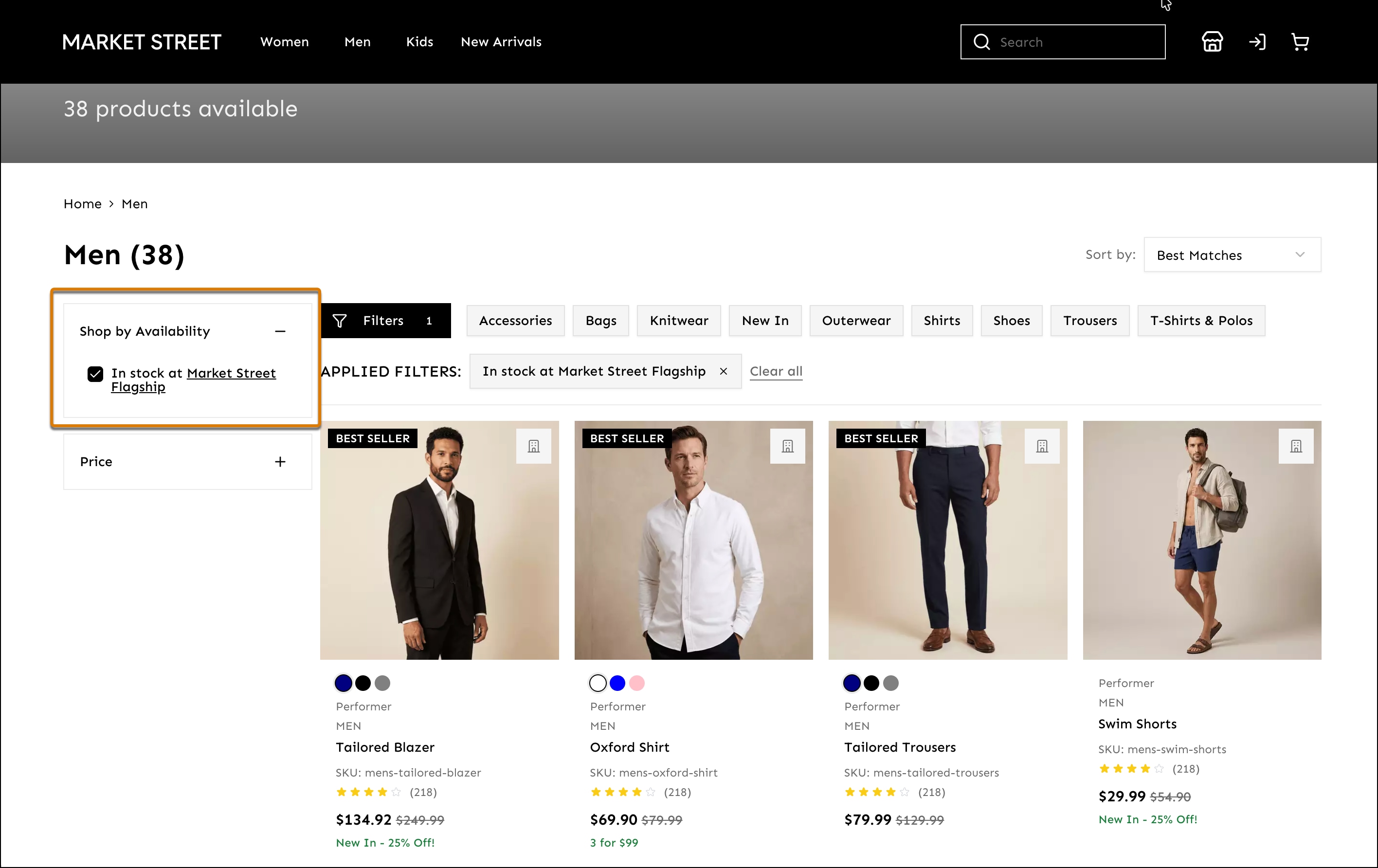
In-store pickup depends on the Shop the Store feature, which enables shoppers to refine search results for a specific store. Shoppers refine search results and category-browse through the In Stock checkbox on the Product Listing Page (PLP). For more information, see Shop the Store in Salesforce Help.
Find nearby stores by entering a zip code or by using geolocation.
Filter products by in-store availability at your selected store.
Default Extensions
Create Storefront Next with the Store Locator and Buy Online Pickup In Store extensions. These extensions are enabled by default when you create Storefront Next in Business Manager or the CLI.
Configure Stores and Inventory Lists in Business Manager
Enable Shop the Store feature. Add stores and associate an inventory list with each store. See Enable Shop the Store in Salesforce Help.
Enable in-store pickup:
In Business Manager, click App Launcher, and then select Merchant Tools > Ordering > Shipping Methods.
Under Store Pick Up, click Store Pickup Enabled.
Store Locator Constraints
Returns up to 200 stores at a time.
Searches for stores within a maximum radius of 100 kilometers. The default unit is kilometers but you can change it to miles in /src/extensions/store-locator/stores/store-locator-store.ts.


 j
j