


 j
jGet Started with the Tableau Next Embedding SDK
Use Cases for Tableau Next Embedding
Browser Requirements for Tableau Next Embedding
Troubleshooting for Tableau Next Embedding
Tableau Next Embedding SDK Release Notes
Tableau Next embedded analytics brings Salesforce’s interactive and analytical capabilities to your apps quickly. Tableau Next integrates with your existing technologies with Salesforce authentication and platform security, bringing insights into your flow of work and reducing context switching for your users.
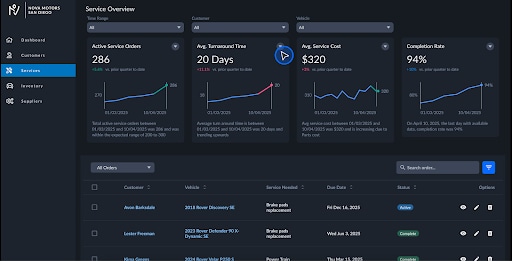
Use the Tableau Next Embedding SDK to integrate Tableau Next insights into your own web apps. The SDK provides modern, secure methods of authentication so that users can interact with Tableau Next features from your web app.
Tableau Next embedding provides access to the Analytics and Visualization Agent, dashboard, visualization, and metrics Lightning web components, bringing Salesforce platform functionality to your web app. These components can be programmatically controlled in your web app through the use of filters and event listeners, enabling interactive functionality.
Starting in July ‘26, you must use v2.0. The back-end Lightning Out support has upgraded and v1.0 and v1.1 are no longer supported.
Important
Create your Tableau Next dashboards, visualizations, or metrics in Salesforce. To learn all about creating Tableau Next insights, refer to Salesforce Help.
This guide covers:
After you embed your components, test your web app and share it with your users.
The users for your web app must exist as users in your Salesforce org and have the correct permissions to view the Tableau Next insights rendered by the embedded components.
Important
Users have access via a Tableau+ license or Tableau Next Creator license.
j